
Interim Release
General Release
Kindly download and install the MiTS 3 as per the link attached.
MiTS 3 Installation Steps
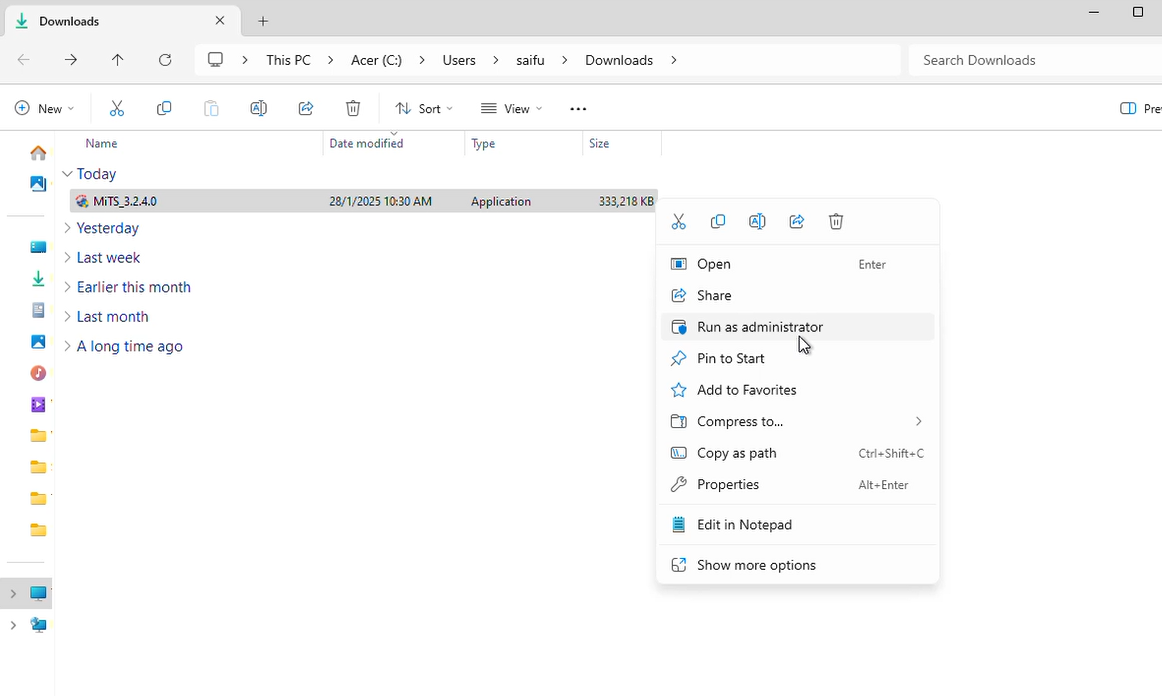
1. Right Click on MiTS_3.x.x.x and select “Run as administrator”
2. Click “More Info”

3. Click “Run anyway”

4. Click ‘Next >’ on the MiTS Setup popup window after allowing for change made to the device by MiTS

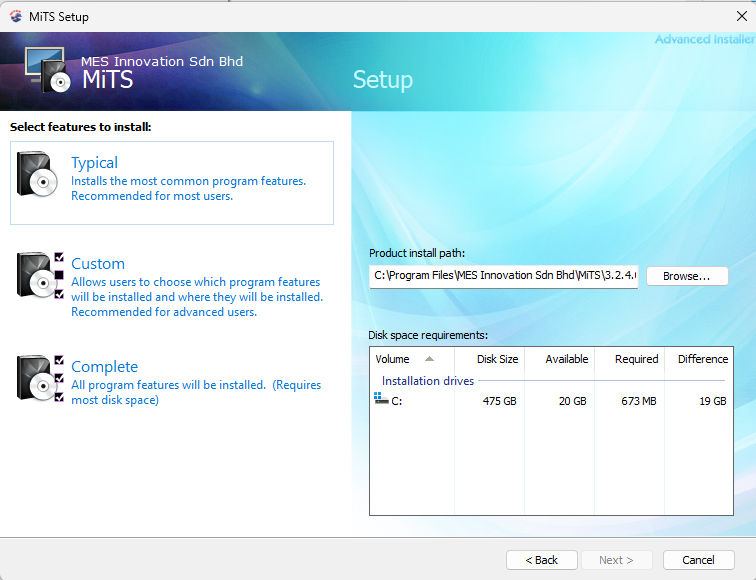
5. Choose type of installation, either Typical (common feature used), Custom (choose feature to be installed) or Complete (all features)
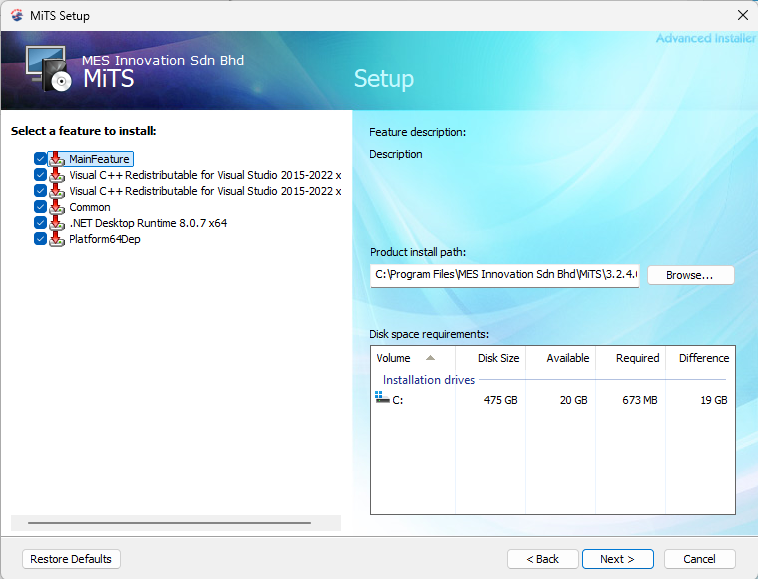
6. If users install MiTS 3.x.x.x using Custom, select the features to be installed before click the ‘Next >’ button
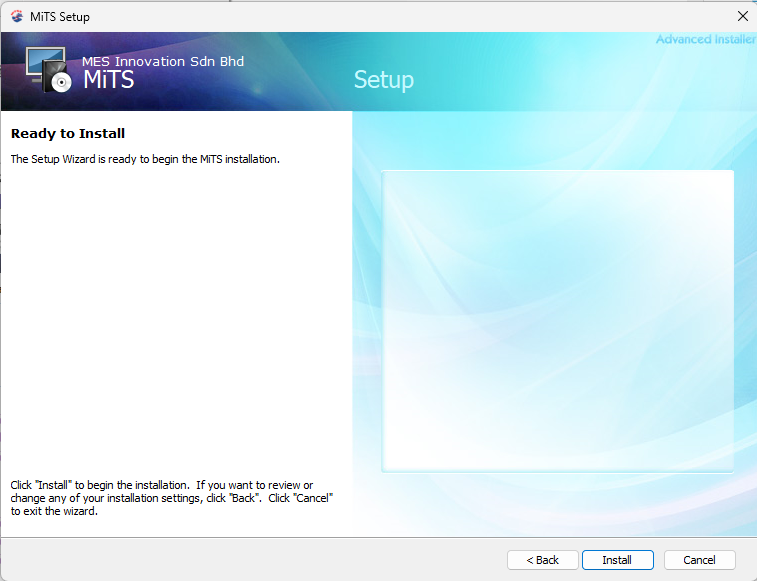
7. Press ‘Install’ to start the installation of MiTS 3.x.x.x
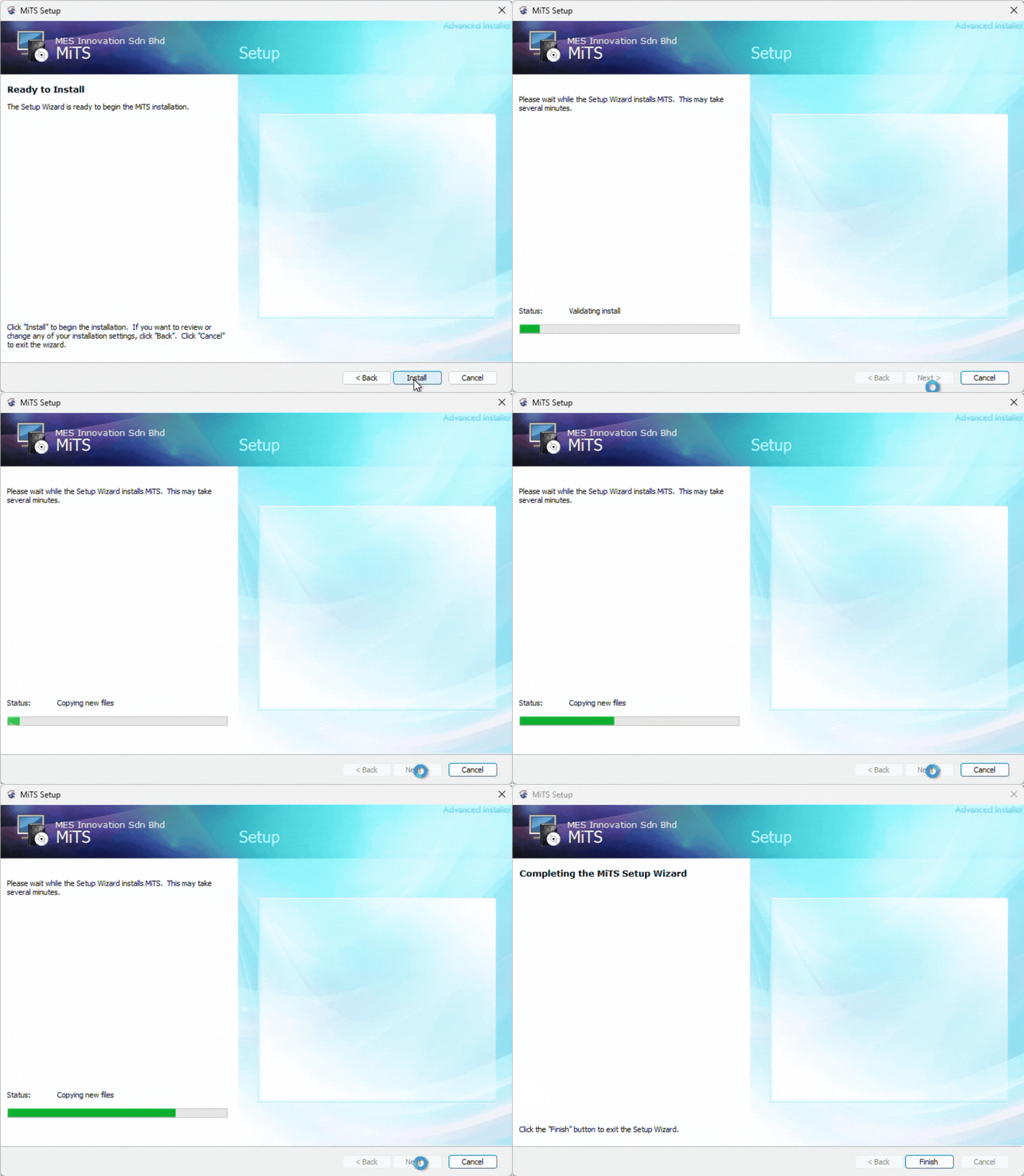
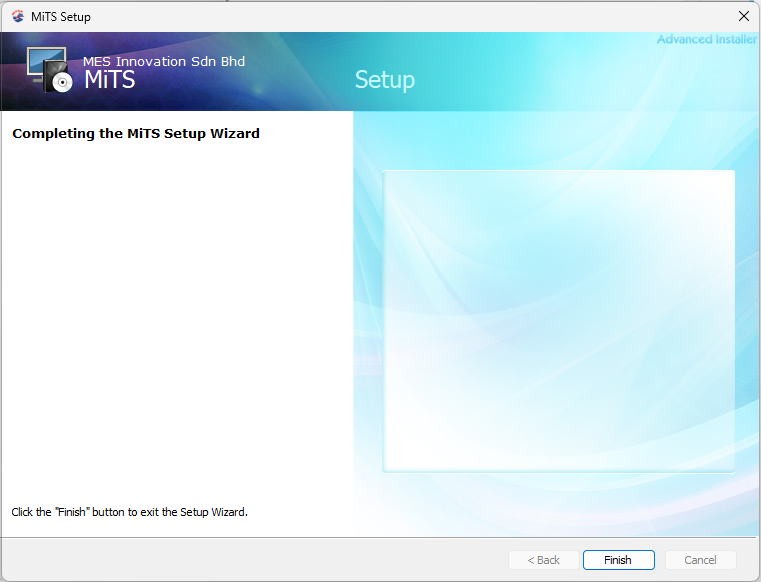
8. Click ‘Finish’ to complete the installation process
System Requirement for MiTS 3
Operating System | Basic: 64-bit Windows 10 PC Recommended: 64 bit Windows 11 PC |
Memory (RAM) | Basic: 8 GB Recommended: 16 GB or more |
Disk space | 6 GB free hard disk available, not including installation requirements (suggested SSD) |